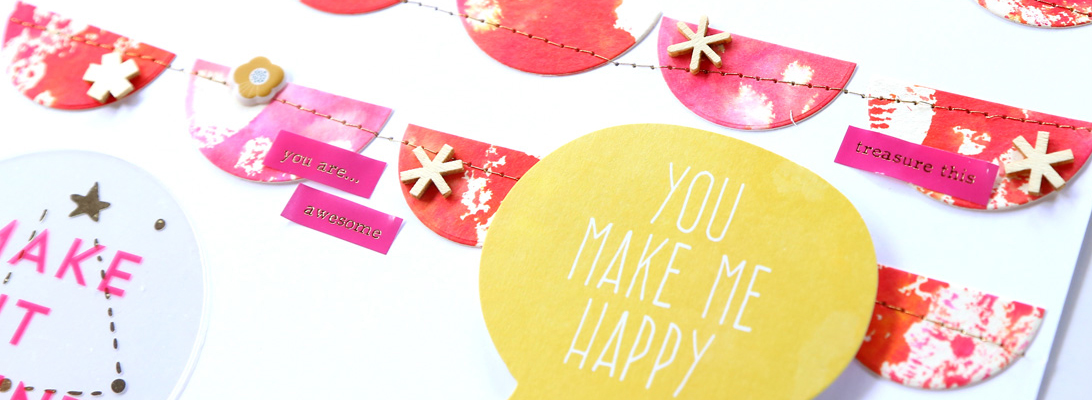
I am so thrilled to be contributing to the gallery at Studio Calico with the March card kit – Odyssey!
Unfortunately not all the items in the kit were available when they shipped it to me (… sigh… those gold labels didn’t make it to me.. and I didn’t receive the MME flair buttons either) so I can’t show you everything that’s in the kit… but I sure made the most of what I got. 🙂 I also used the washi strips add on (you get 2 sheets with 6 different designs).
I made a *ton* of cards! 15 to be precise, and I am in no way done with this kit. I still have lots of paper left, and a cute wood veneer alligator (I’m hoarding that to be used on a scrapbook page, actually).


Stamps are my favorite thing, and the ones in this card kit were to much fun to use! In fact, only 2 of the 15 cards I made don’t have any stamping (shown above). I believe I’ve used every stamp in the set. 🙂
The plastic “hey” word that comes in the kit can be used as a stencil (I did that to cut out the blue patterned paper above) or as a mask as I did on these two cards. You could also use the plastic word directly on a card, but I didn’t because I know I’ll be using this mask over and over.
I used ink pads, watercolors, embossing powders and mists on my cards. These stamps are so versatile!
There is a great offer for new subscribers: you can start a new subscription and get 50% off the first month. Use the following codes at checkout (until 3/26):
scrapbook: LOVESC50
project life: LOVEPL50
card: LOVECD50
And if you follow this link to sign up, we will both get $5 towards add on purchases.
There’s also a fabulous offer for new subscriptions for current subscribers: if you sign up with one of these codes, you save 50% off your first month of a new subscription and enjoy RISK FREE, no commitment required! Use the following codes at checkout:
scrapbook: RISKFREESC50
project life: RISKFREEPL50
card: RISKFREECD50
The offer is valid through 11:59 PM EST on 3/26/15.
I have been a subscriber to the Project Life kit since it was first offered in January of 2013 (and I love it!), and I used this offer to pick up the Odyssey scrapbook main kit at 50% off. It’s just too gorgeous to pass!
ETA: Bundling* has been extended for subscribers to 11:59 PM EST today (March 2nd).
*One of the perks of being a subscriber is that all orders made between the 27th of the month and the end of the month get bundled and shipped together.